Flashcards have long been a favourite tool for homeschool families, but many parents find that traditional paper cards or generic apps lead to forgotten material and inconsistent practice. Children often cram facts only to forget them days later, leaving gaps in vocabulary, history dates, science terms, or Scripture memorisation.
The good news? When combined with spaced repetition and active recall, flashcards become one of the most powerful tools for long-term retention. A structured, digital system makes the process engaging, efficient, and measurable.
Here’s a proven method that works well for home-educated children, plus why each step matters.
Step 1: Create Personalised Cards in Context
Start by building your own flashcards rather than relying on generic sets. Focus on meaningful content tied to your curriculum — vocabulary words with example sentences, history events with causes and effects, math formulas with sample problems, or Bible verses with key themes. Add images where helpful to engage visual learners.
This personalisation ensures relevance and helps children connect new information to what they already know.
Step 2: Use Active Recall Instead of Passive Review
When studying, always test yourself before flipping the card. Try to recall the answer from memory rather than just reading both sides. This strengthens neural pathways far more effectively than re-reading notes.
Active recall turns studying into genuine retrieval practice, which research shows dramatically improves long-term memory.
Step 3: Apply Spaced Repetition for Efficient Review
Don’t review every card every day. A smart system automatically shows difficult cards more often and successful ones less frequently, based on your performance. This optimises study time and combats the “forgetting curve.”
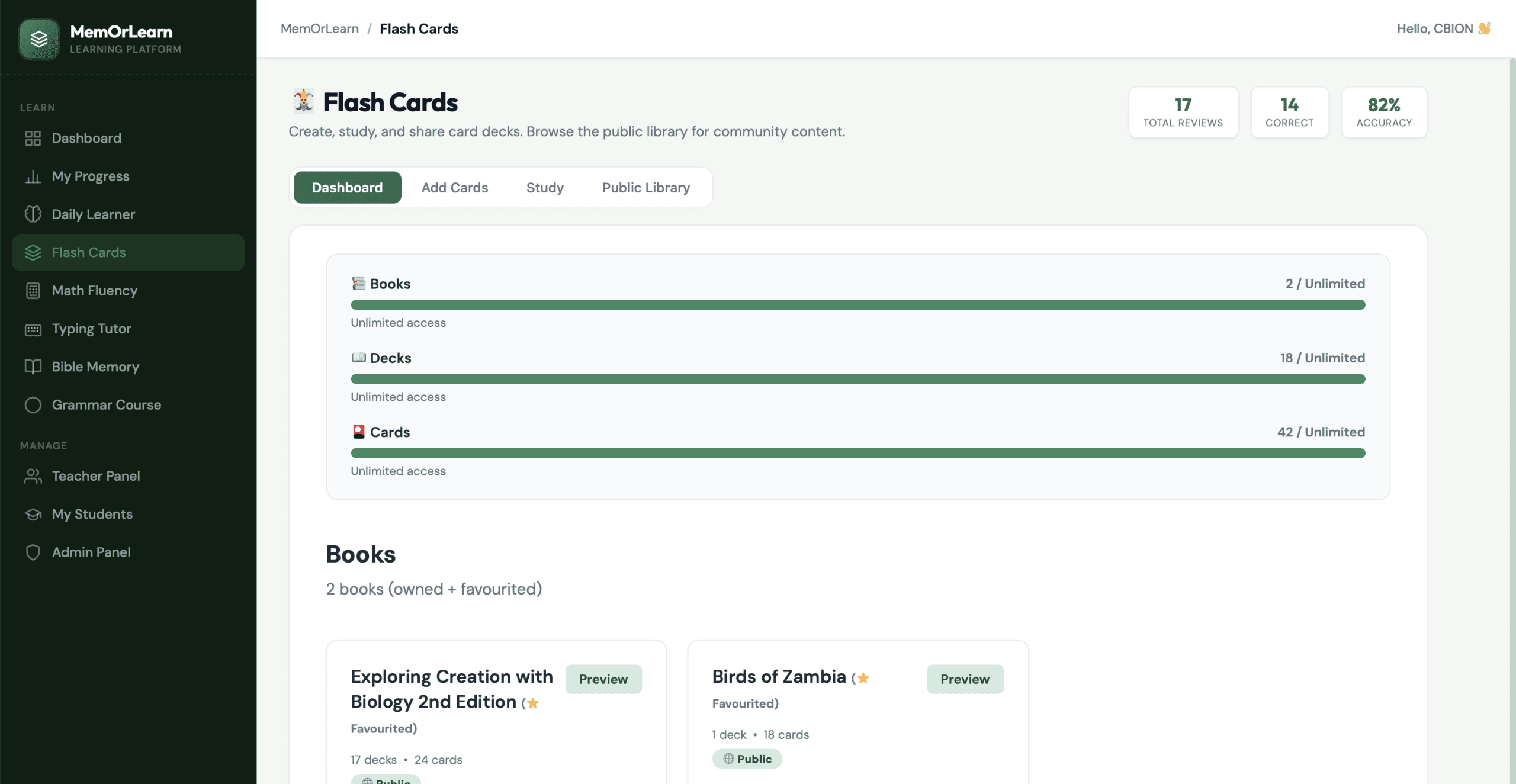
Step 4: Organise into Books and Decks
Group cards logically — create separate decks for different subjects, topics, or chapters. This keeps study sessions focused and manageable while allowing easy browsing of community-shared decks.
Step 5: Track Progress and Adjust
Regularly review accuracy rates and mastery levels. Celebrate improvements and revisit weak areas. Built-in analytics help parents see exactly where their child is growing.
Step 6: Integrate Across Subjects and Daily Routine
Use flashcards alongside other learning activities — pair them with grammar lessons, math facts, typing practice, or Bible memory for a well-rounded routine.
Bringing the Steps Together
Each of these steps works individually, but they shine as part of a connected platform. That’s exactly what MemOrLearn’s Flash Cards module delivers.
Students can create personalised books and decks for any subject, add text and images, and study using proven active recall with built-in spaced repetition. The system automatically tracks accuracy and schedules optimal review intervals, making retention effortless and effective.
Whether preparing for exams, reinforcing homeschool curriculum, or memorising Scripture, MemOrLearn’s clean interface and progress dashboard make it ideal for families. It integrates seamlessly with Bible Memory, Grammar, Math Fluency, and Typing Tutor in one platform.
For busy homeschool parents, having customisable, intelligent flashcards with automatic scheduling and tracking removes the guesswork and turns study time into measurable progress.